
Photoshop plug-in for DTF, DTG and screen printing
Print-ready halftone separations without leaving Photoshop.
Chromalith turns full-color artwork into a halftone knockout matched to the shirt you are printing on. Dark areas drop out so the garment shows through, edges fade into real dots, and the file you print is the file you previewed.
Chromalith is in Adobe review. The purchase button goes live the day Adobe publishes the listing.
- $9.95/month
- Photoshop 2026 (27.2) or later
- Windows and macOS

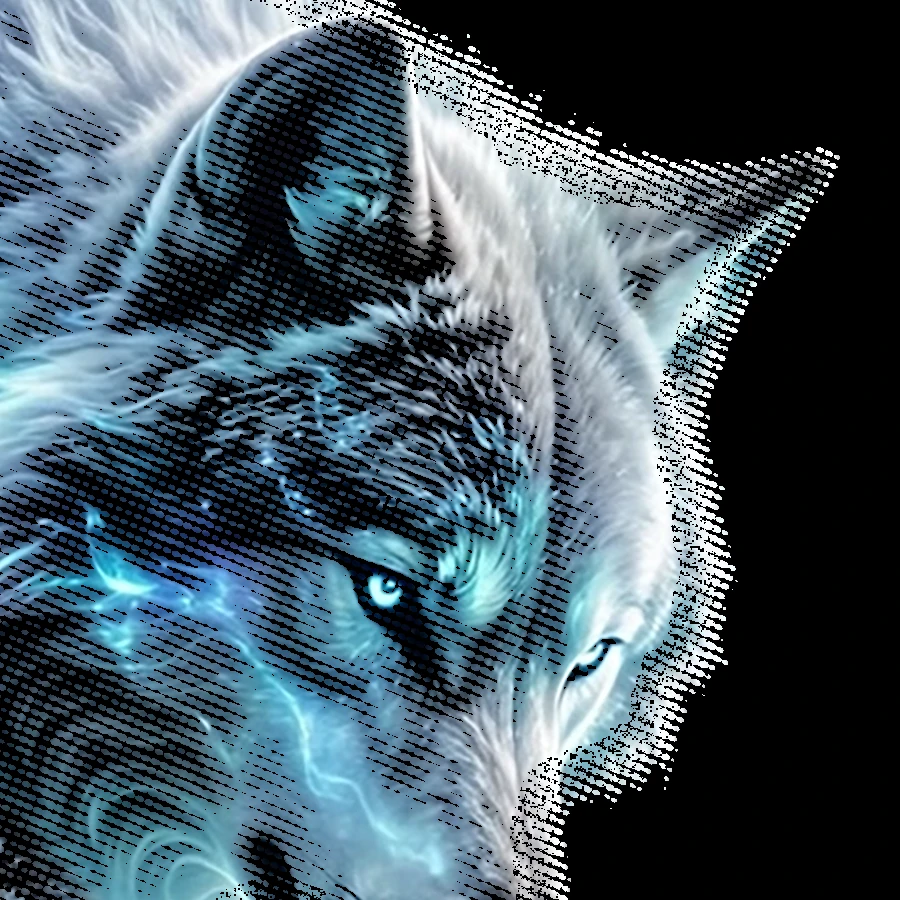
Artwork and workflow examples
From source artwork to a live mask and final file.
Every image on this site came from Chromalith running in Photoshop. Nothing was repainted or mocked up. Step 2 is a screen capture from a separate run on the same artwork.
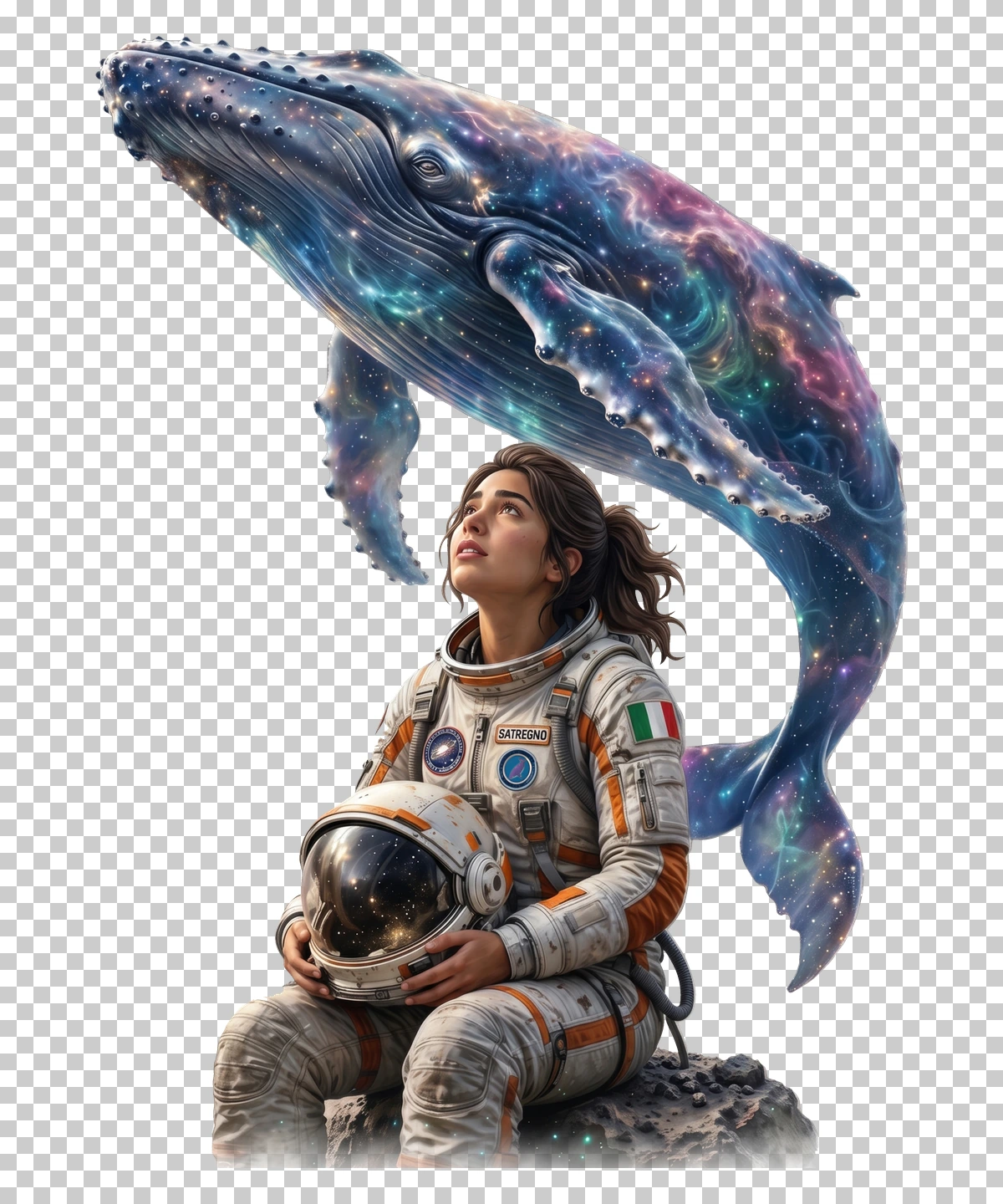
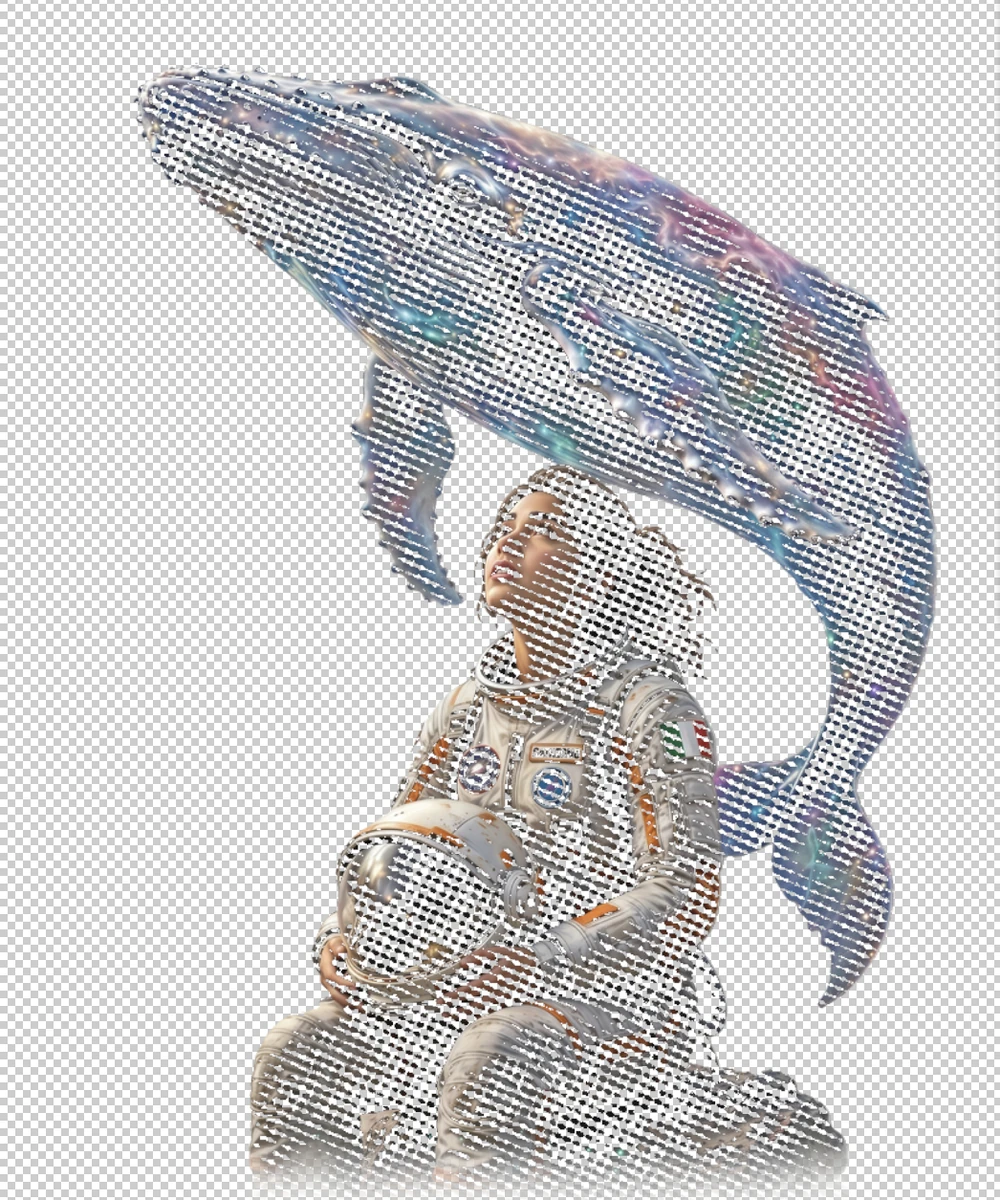

How it works
Three buttons. No round trips to another app.
-
Pick the blank
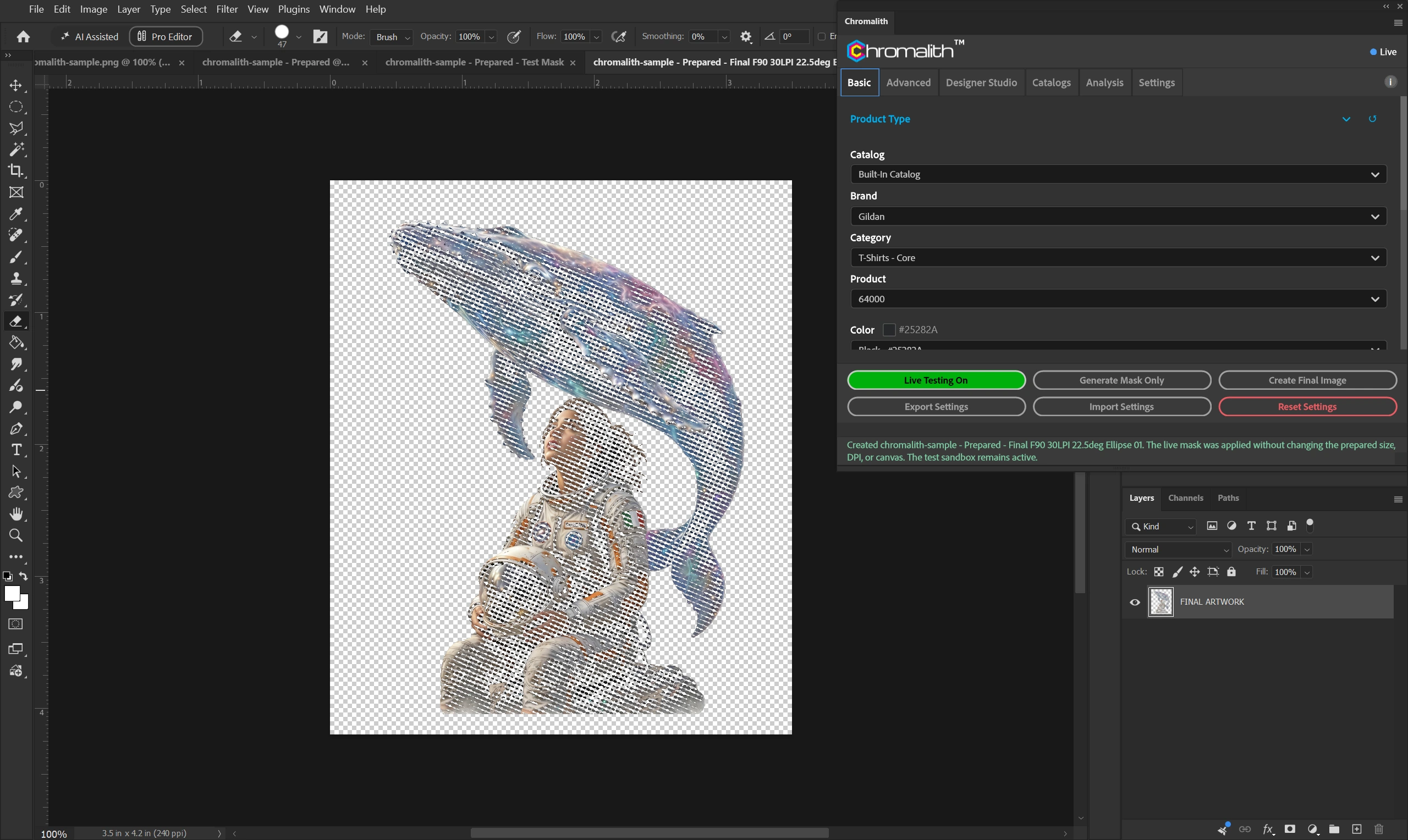
Choose the brand, product, and color from the built-in catalog of 1,032 products, or from a catalog you build. The garment color drives the knockout.
-
Run Test Mask
Chromalith builds a live preview document. Adjust the preset, screen, Levels, or edge treatment and watch the mask follow.
-
Create Final Image
When the preview looks right, Chromalith writes the final artwork at your print size and DPI, ready for your RIP or print service.
Halftone knockout
The shirt does the work in the shadows.
Chromalith compares every pixel with the garment color. Where the art is close to the shirt, ink drops out. Where it isn't, a halftone screen takes over, so you lay down less ink and the print stays soft.
- Three starting presets. Subtle, Balanced, and Vintage set the LPI, dot shape, and knockout fuzziness together, with Levels tuned for dark, bright, or light garments.
- Your screen, your call. Six dot shapes, any angle, and LPI you set. AM screening by default, with FM Blue Noise and Hybrid AM/FM available.
- Sizing that knows the print. Set width, height, and DPI in the panel. Chromalith shows the pixel size and pixels per halftone cell before you commit.
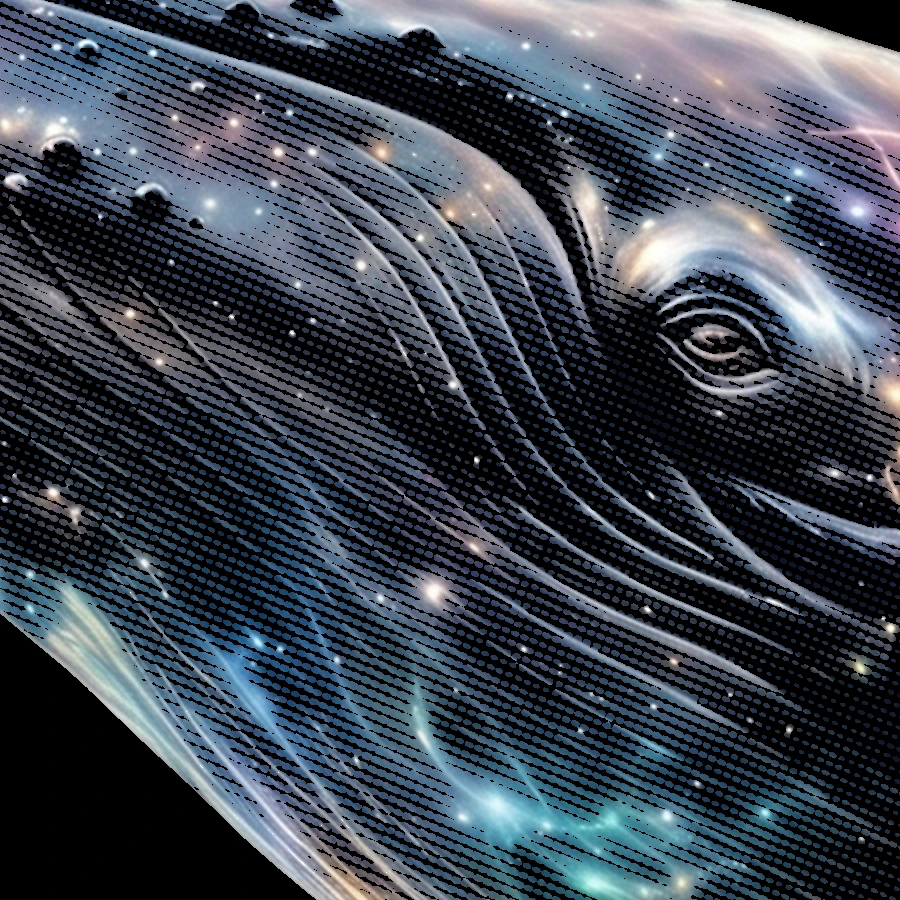
Designer Studio
Shape the print and finish the edge.
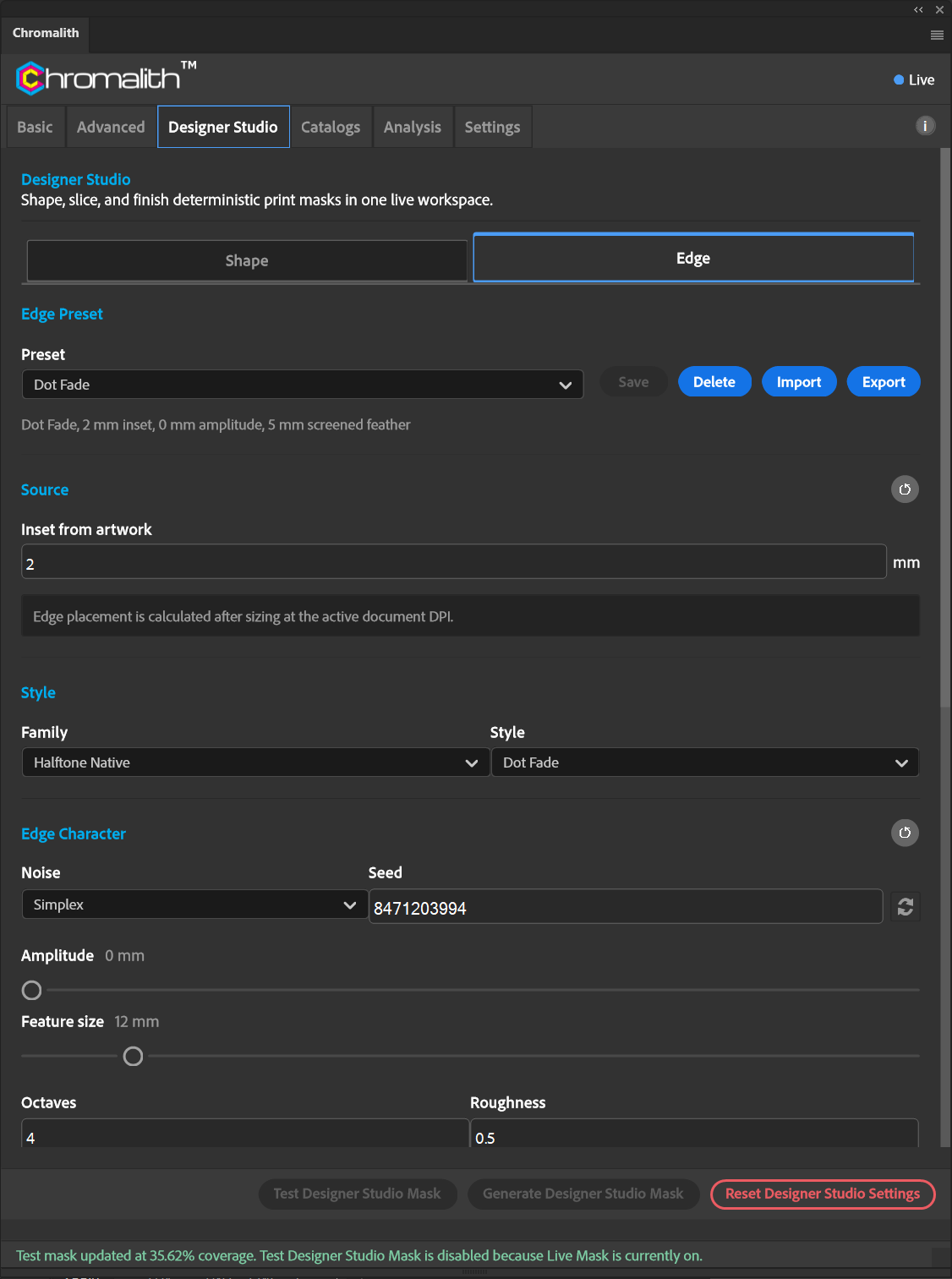
Designer Studio changes the outline of the print without touching your artwork pixels. Every change runs through the same live Test Mask.
- 4,808 shapes in 103 categories. Badges, sports, wildlife, holidays, music, and more, with width, height, rotation, flip, and invert.
- 21 edge styles in 6 families. Torn and organic, distress, brush, fade, clean geometric, and halftone-native edges such as Dot Fade and Scanline Fade.

Production controls
Underbase, channels, and measurements in microns.
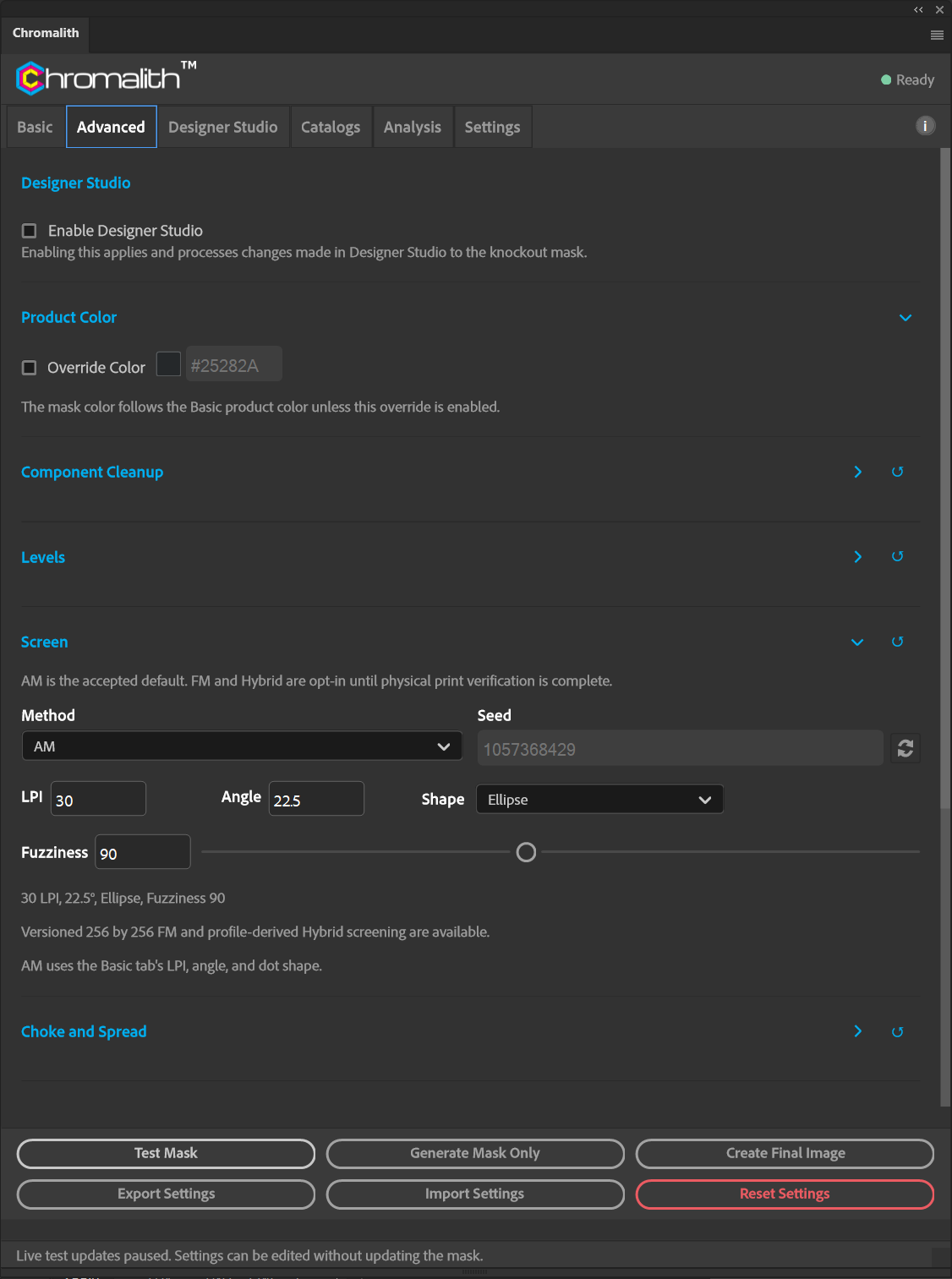
The Advanced tab is where production shops live. Every physical value is entered in real units, not guessed in pixels.
- Choke and spread the mask in µm, with a protected minimum gap so fine detail doesn't close up.
- Underbase and highlight white. Underbase choke, minimum edge gap, highlight threshold, and 1 to 8 white passes.
- Named ink channels. C, M, Y, K, white underbase, spot, and varnish, each with its own screen and export switch.
- Component cleanup. Remove islands, fill pinholes, and clear one-pixel orphans by area in mm².
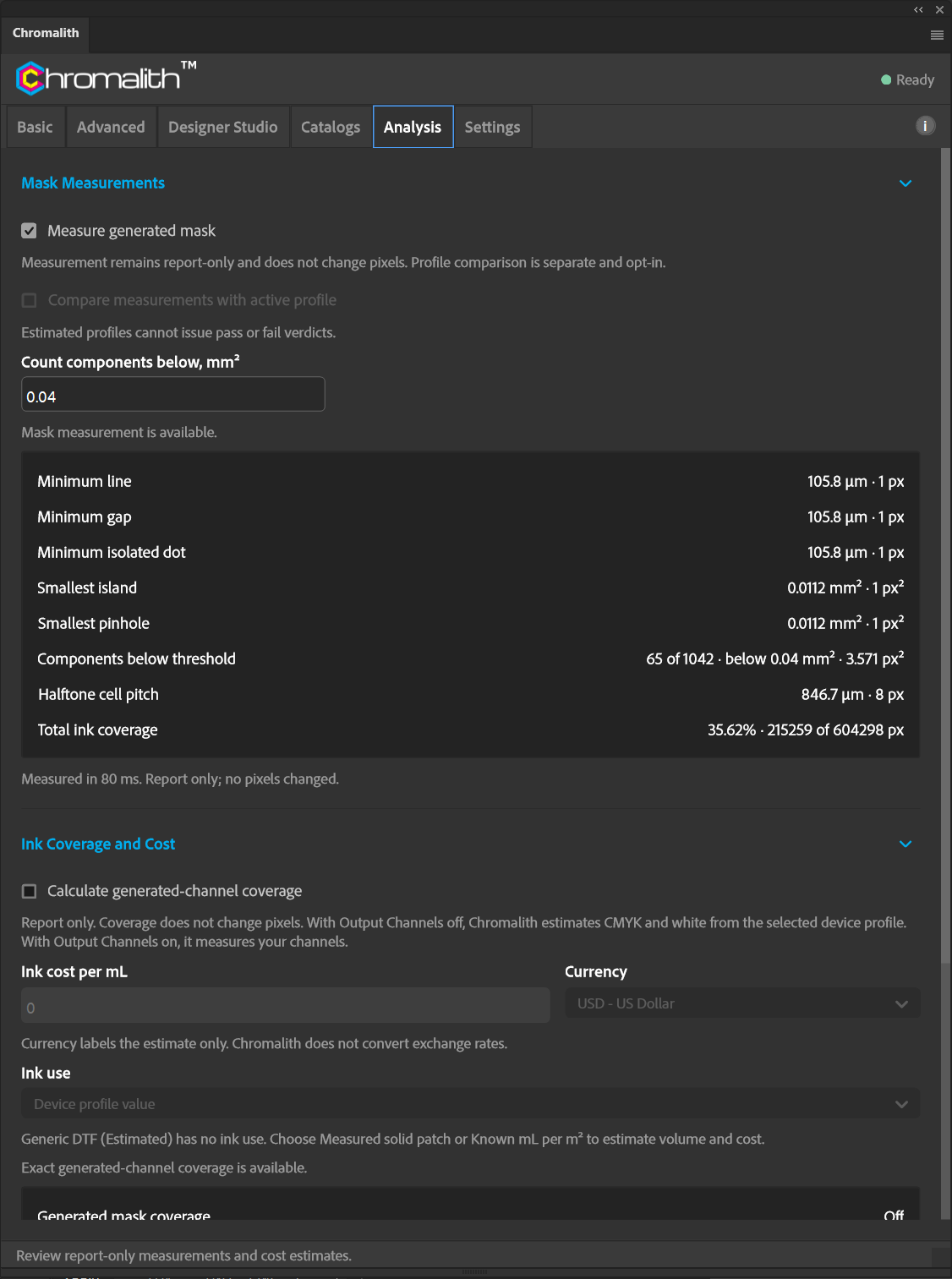
- Measure before you print. Minimum line, gap, and dot, smallest island, total ink coverage, and estimated ink cost.
- 1,032garments from 19 brands in the built-in catalog
- 4,808Designer Studio shapes
- 21edge styles, 16 ready-made presets
- 4export formats for separations
Local by design
Your artwork never leaves your computer.
The separation engine runs inside Photoshop on your computer. Chromalith doesn't upload artwork, previews, or finished files anywhere. The only network traffic is a license check about once a week.
Catalogs and settings are plain files in the plug-in's data folder, so you can back them up, share a custom catalog with your team, or move to a new computer.
Questions
Before you subscribe
Which version of Photoshop do I need?
Photoshop 2026 (27.2) or later, on Windows or macOS. Chromalith is a UXP plug-in and installs through Adobe Creative Cloud.
Can I try it before I pay?
There's no timed trial. Without a license, Test Mask builds a downscaled preview of any artwork, up to 1,024 pixels on the long edge, so you can see how Chromalith treats your design. Generating masks and final images requires an active subscription.
Does it work for printers other than DTF?
Chromalith is built and tuned for direct-to-film. The knockout, underbase, and channel tools also apply to DTG and screen print workflows, but the presets and default device profile assume DTF.
How do I cancel?
Use the View/Edit Subscription link in your order confirmation email from FastSpring, Adobe's payment partner. Uninstalling the plug-in does not cancel the subscription.
Stop fighting knockouts by hand.
$9.95 a month. One license, one computer, move it whenever you upgrade.