
Docs / Advanced tab
Choke and Spread
Shrink or grow the mask by a physical distance to compensate for ink gain or film transfer.
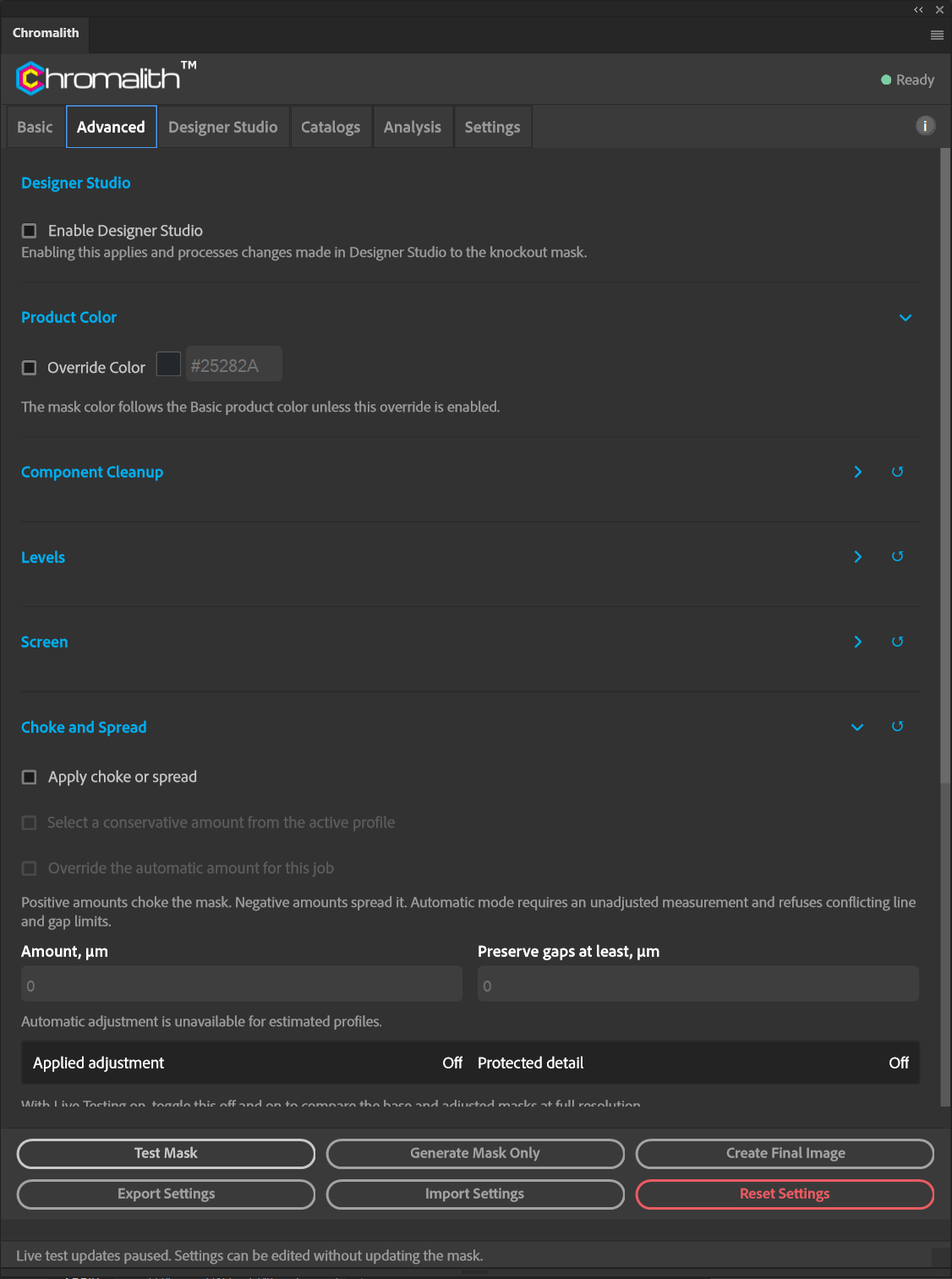
| Control | What it does |
|---|---|
| Apply choke or spread | Turns adjustment on. |
| Select a conservative amount from the active profile | Automatic mode. Needs an unadjusted measurement and refuses profiles with conflicting line and gap limits. |
| Override the automatic amount for this job | Use your own amount instead. |
| Amount, µm | Positive values choke (shrink). Negative values spread (grow). |
| Preserve gaps at least, µm | Openings at least this wide are protected from closing. |
After Test Mask the readout shows the Applied adjustment and Protected detail. With Live Testing on, toggle the section off and on to compare the base and adjusted masks.
Automatic adjustment is unavailable for estimated profiles. Install a measured profile from the Print Limit Test to use it.