
Docs / Basic tab
Image Sizing
Set the printed size and resolution before you test. Chromalith builds the prepared document at exactly this size.
| Control | What it does |
|---|---|
| Trim transparent edges | Crops empty transparent space around the art before sizing, so the print size measures the artwork, not the canvas. |
| W and H | Printed width and height. The lock keeps the artwork's aspect ratio. |
| Units | cm, in, mm, or px. |
| DPI | Output resolution. 300 DPI is preferred for most print applications; use another value only when your print provider specifies it. |
The readout
Under the fields Chromalith reports the pixel size and the pixels per halftone cell, for example 3600 × 4320 px at 300 DPI and 10.0 px per halftone cell. Pixels per cell is DPI divided by LPI. Below 4 pixels per cell the screen is blocked; from 4 to below 8, the panel cautions that dot edges soften. At 72 DPI and 30 LPI the message is:
2.4 px per halftone cell. The screen cannot resolve at this size. Raise DPI to at least 120, or lower LPI to 18 or below.
Trim transparent edges: sizing FAQ
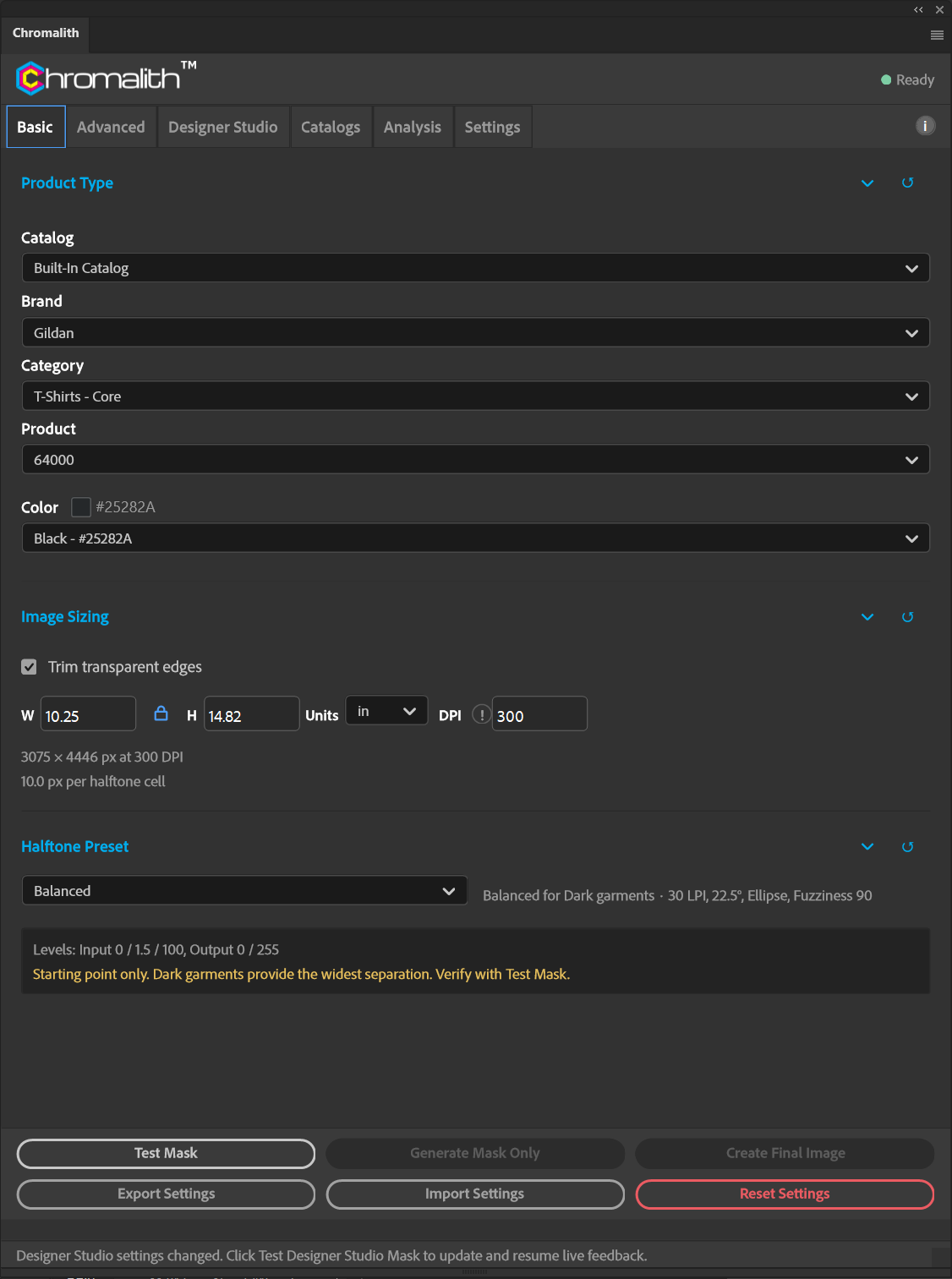
What does Trim measure? The visible composite artwork, not just the selected layer. Transparent margins are excluded without changing your source. On first selecting a document with Trim on, the default is the artwork's native trimmed pixel size. For example, a 1000 × 1000 square on a 2000 × 3000 canvas starts at 1000 × 1000 px (about 3.3333 × 3.3333 in at 300 DPI).
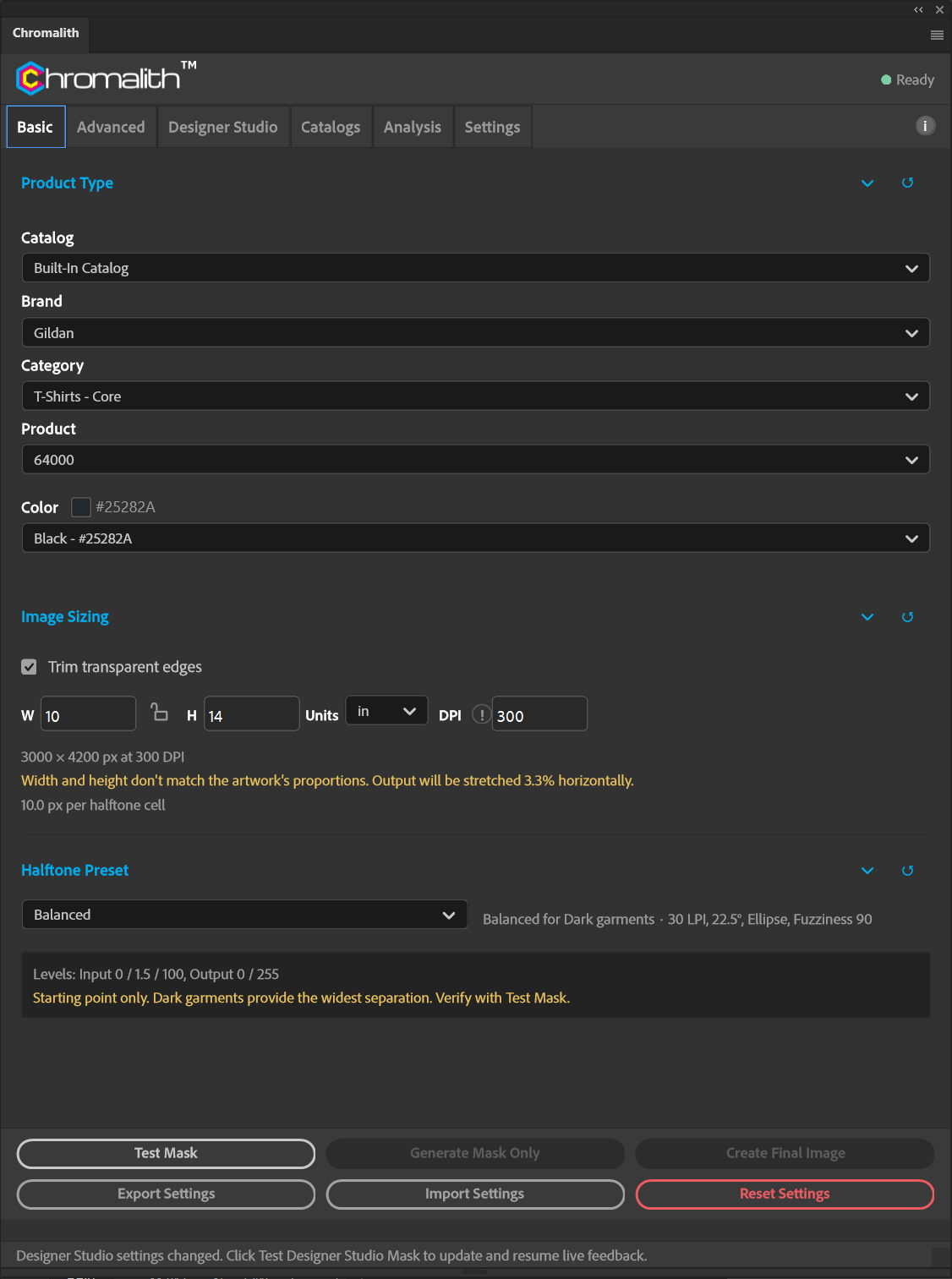
Will it stretch my art? With the aspect lock on, no: the dimension you last edited is held, and the other follows the trimmed proportions to the nearest pixel. Unlocking permits non-uniform scaling and shows a stretch warning. A fully transparent document cannot be trimmed.
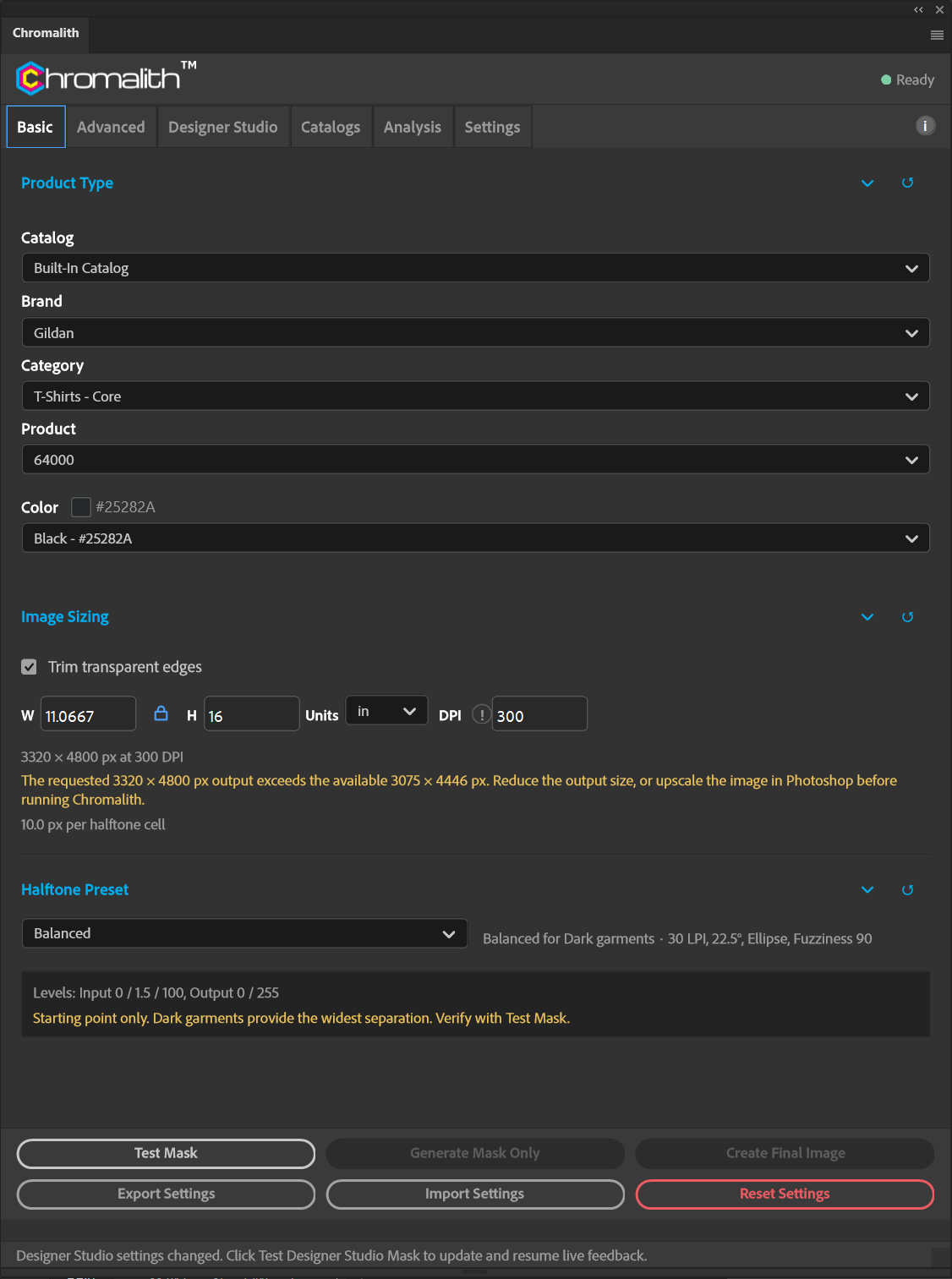
Why does my requested size exceed the available pixels? With Trim on, output cannot exceed the trimmed artwork's pixel width or height. Reduce the print size, or upscale the artwork in Photoshop first. A 3075 × 4446 trimmed image requested at H = 16 in and 300 DPI would need 3320 × 4800 px; the enlargement warning correctly compares that request with 3075 × 4446, not the larger canvas. That request is blocked until the size is reduced or the source is upscaled; unlocking the aspect ratio does not bypass the pixel limit.
What if I turn Trim off? Sizing returns to the full canvas and its existing canvas-based enlargement limit. Reset Image Sizing clears Trim; Import/Export Settings preserves both Trim and the aspect lock.
Limits
Chromalith refuses sizes above 300,000 pixels on a side. Sizing happens in the prepared document; your original file is untouched.