
Docs / Advanced tab
Levels
Shape the tonal range before screening, the same way Photoshop's Levels does.
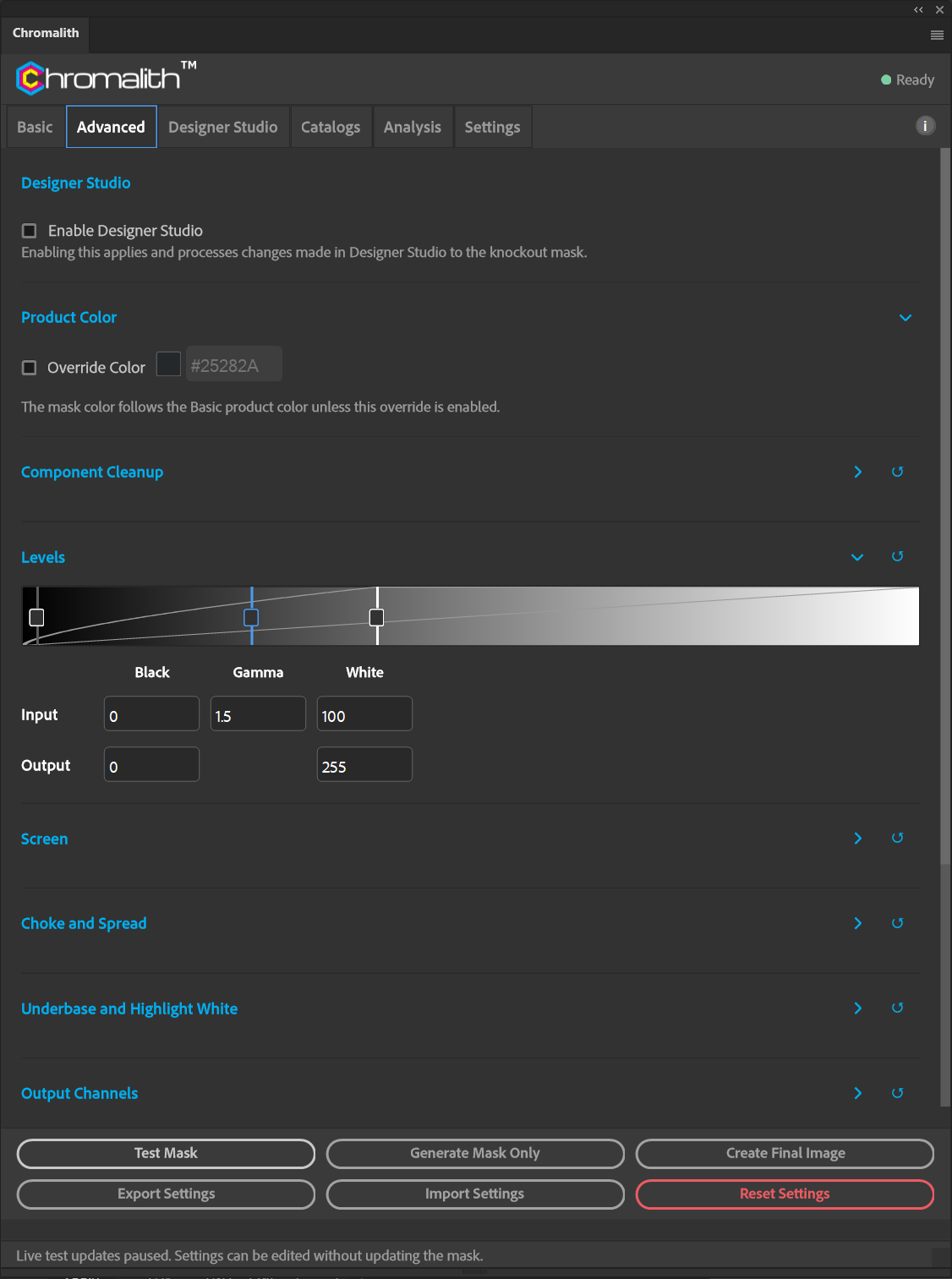
Drag the black, gamma, and white handles on the strip, or type exact values:
| Field | Range | Effect |
|---|---|---|
| Input black | 0–255 | Tones at or below this value become solid. |
| Gamma | Midtone point | Moves the midtones without changing the black and white points. |
| Input white | 0–255 | Tones at or above this value reach full value. |
| Output black / white | 0–255 | Compress the output range. |
Presets set Levels for you by garment group. Editing Levels switches the preset to Custom.