
Docs / Basic tab
Product Type
Tell Chromalith what you're printing on. The garment color is the color the knockout removes.
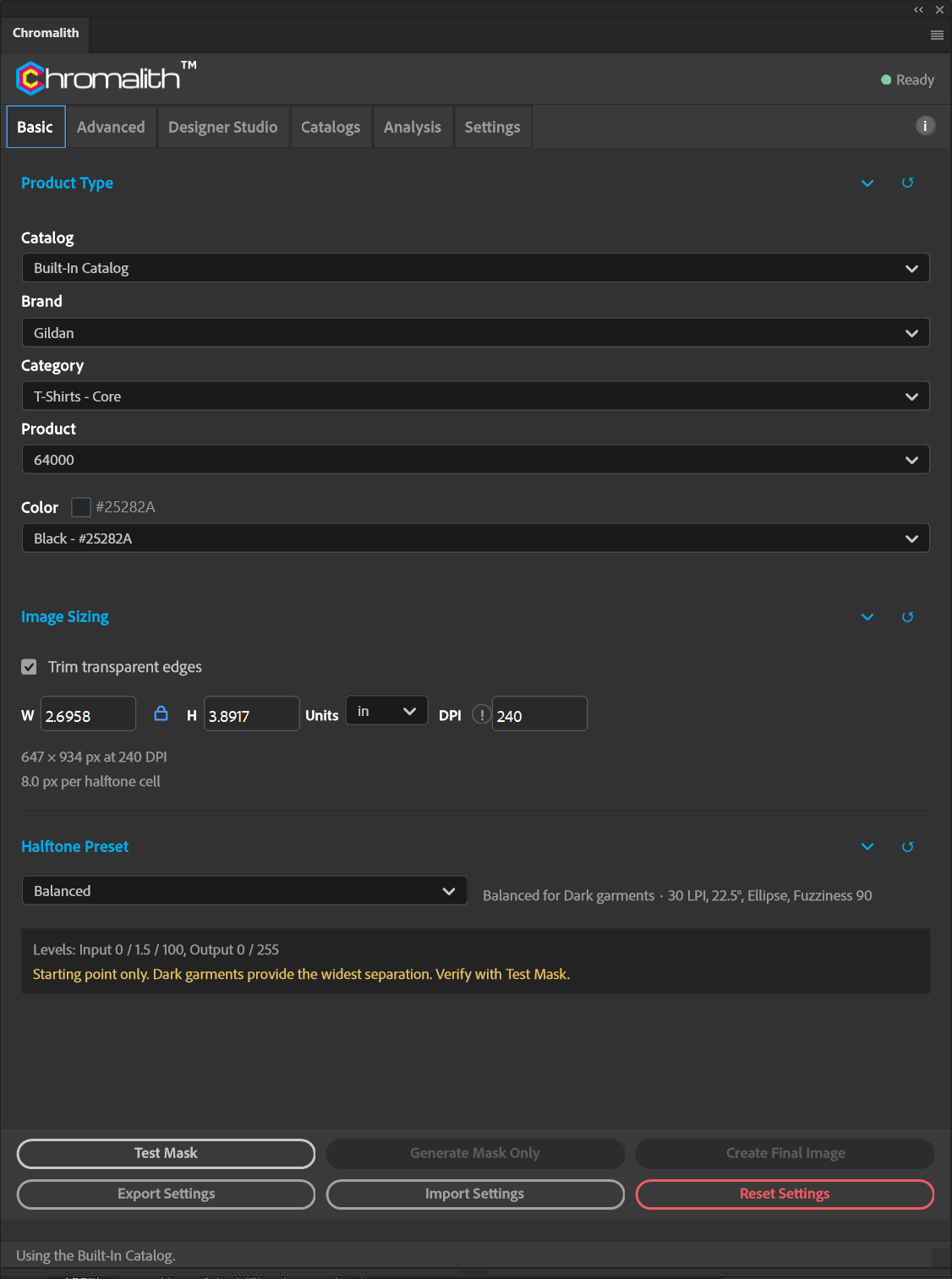
| Field | What it does |
|---|---|
| Catalog | The Built-In Catalog or one of your custom catalogs. See Catalog Manager. |
| Brand | Garment brand, for example BELLA + CANVAS or Comfort Colors. |
| Category | The brand's product groups, such as T-Shirts – Premium or Fleece – Premium Hooded. |
| Product | The style number. |
| Color | Every color listed for that product, with its hex value and swatch. |
How color drives the knockout
Chromalith classifies the garment color as dark, bright, or light and uses that group to set the preset's Levels. Dark garments give the widest separation. Bright garments compress tonal separation. Light garments flip which tones screen and which print solid. The note under the preset tells you which group is active.
Need a color that isn't listed? Add it in the Catalog Manager, or use Product Color override on the Advanced tab for a one-off job.
The built-in catalog
Chromalith ships with one catalog of 1,032 products from 19 brands in 15 categories. It is editable and stored locally, so it works offline. Hide it under Settings → Catalog if you only want your own catalogs.