
Docs / Advanced tab
Output Channels
Generate named ink channels next to the knockout: process CMYK, white underbase, spot colors, and varnish.
Turn on Generate named ink channels, then run Test Mask to resolve them. CMYK conversion uses Photoshop color management. Layer shows or hides a channel's layer in Test Mask without changing generated or final artwork. Untagged RGB is assumed sRGB in a disposable separation copy; your source remains untagged.
For DTF, DTG and UV, a white underbase generated from coverage is registered to the final artwork rather than screened independently. At zero white choke and edge gap it matches the final artwork's alpha: binary for DTF/DTG, continuous for UV. Its Screen setting does not create a separate white-dot pattern. Other named channels keep their own screen controls.
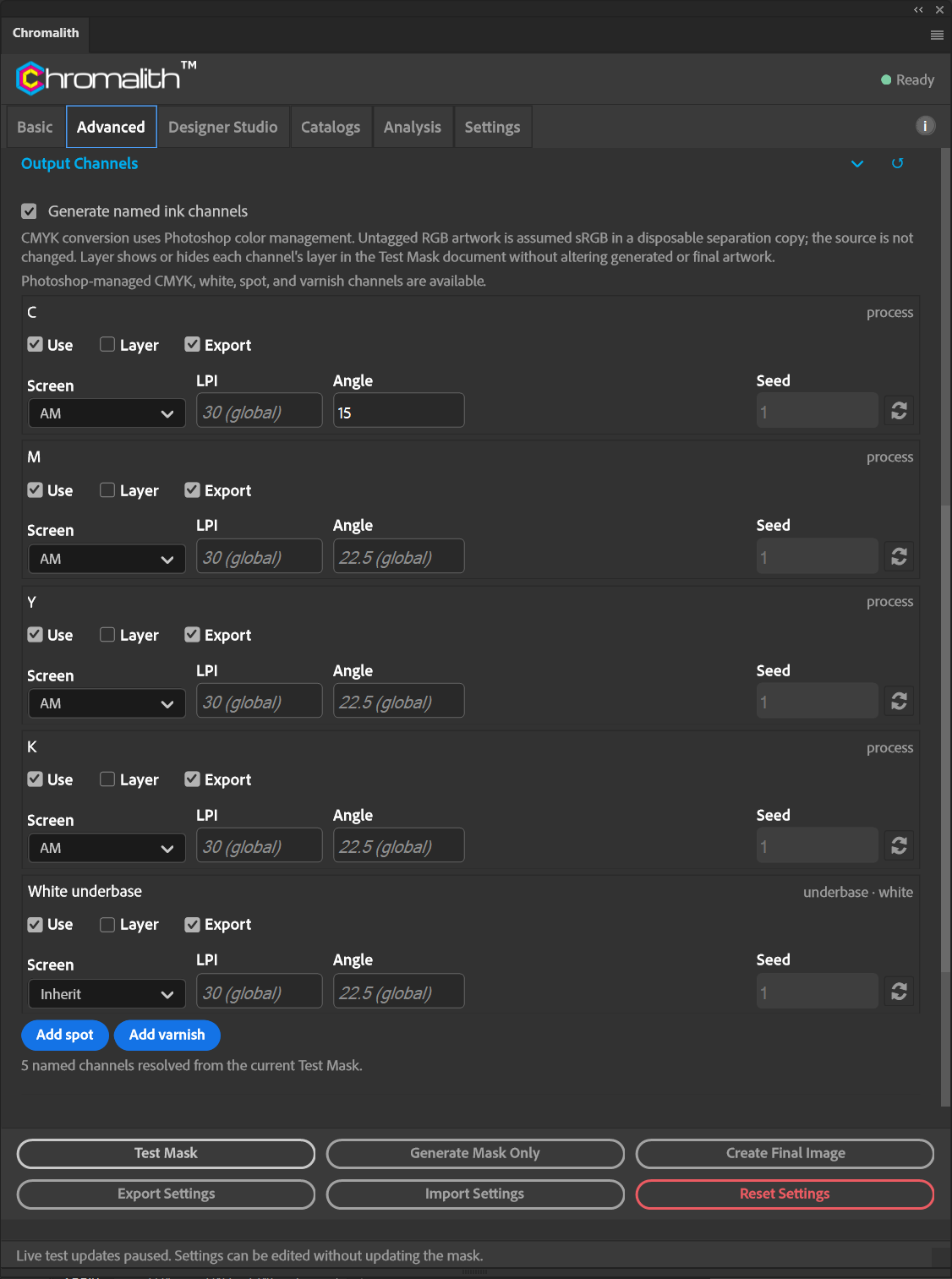
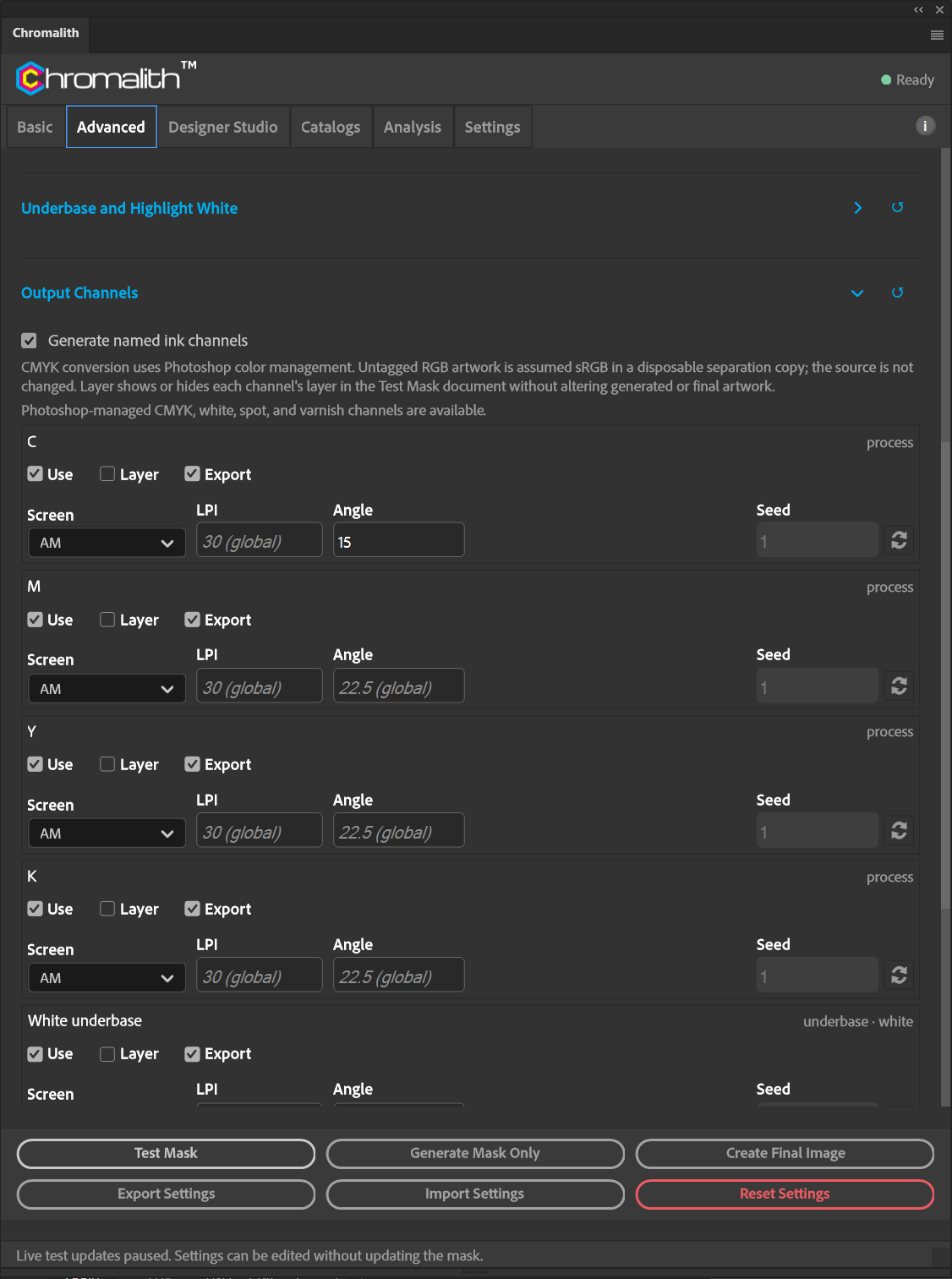
| Per channel | What it does |
|---|---|
| Use | Include the channel in generation and coverage. |
| Layer | Show or hide the channel’s layer in the Test Mask document. This does not change generated or exported channel data. |
| Export | Include the channel in Multi-channel Export. |
| Screen | Inherit the main screen, or give the channel its own. |
| Seed | Pattern seed when the channel uses FM or Hybrid. Inherit uses the global seed. |
| LPI | Optional ruling for AM and Hybrid. Leave empty to use the global LPI shown in the placeholder. |
| Angle | Optional angle from −180° to 180° for AM and Hybrid. Leave empty to use the global angle. Zero is a valid override. |
Screen-print angles and resolution
For overlapping color screens, start with C 15°, M 75°, Y 0°, and K 45° and verify a physical print. Different angles help control moiré between the screens; the mesh can also interfere with the pattern.
LPI and Angle appear only when the channel's resolved method is AM or Hybrid, including Inherit with a global AM or Hybrid method. Clearing either field restores that global value. FM Blue Noise and None ignore both overrides. With no overrides, existing screening behavior is unchanged.
Each AM/Hybrid channel must have at least four pixels per halftone cell (DPI ÷ LPI). Below four, the setting is rejected; below eight, dot edges soften. Raise DPI or lower LPI for finer detail. Hybrid recalculates its profile thresholds using the effective channel LPI.
The export manifest records the LPI and angle actually used for every AM/Hybrid channel. For FM and unscreened channels these values are null, because they do not apply.
Spot and varnish
Add spot and Add varnish create channels you name and target by RGB color and tolerance. Names must use printable ASCII characters if you export TIFF.