
Docs / Advanced tab
Underbase and Highlight White
Refine the white channels Chromalith generates so white never peeks past the color.
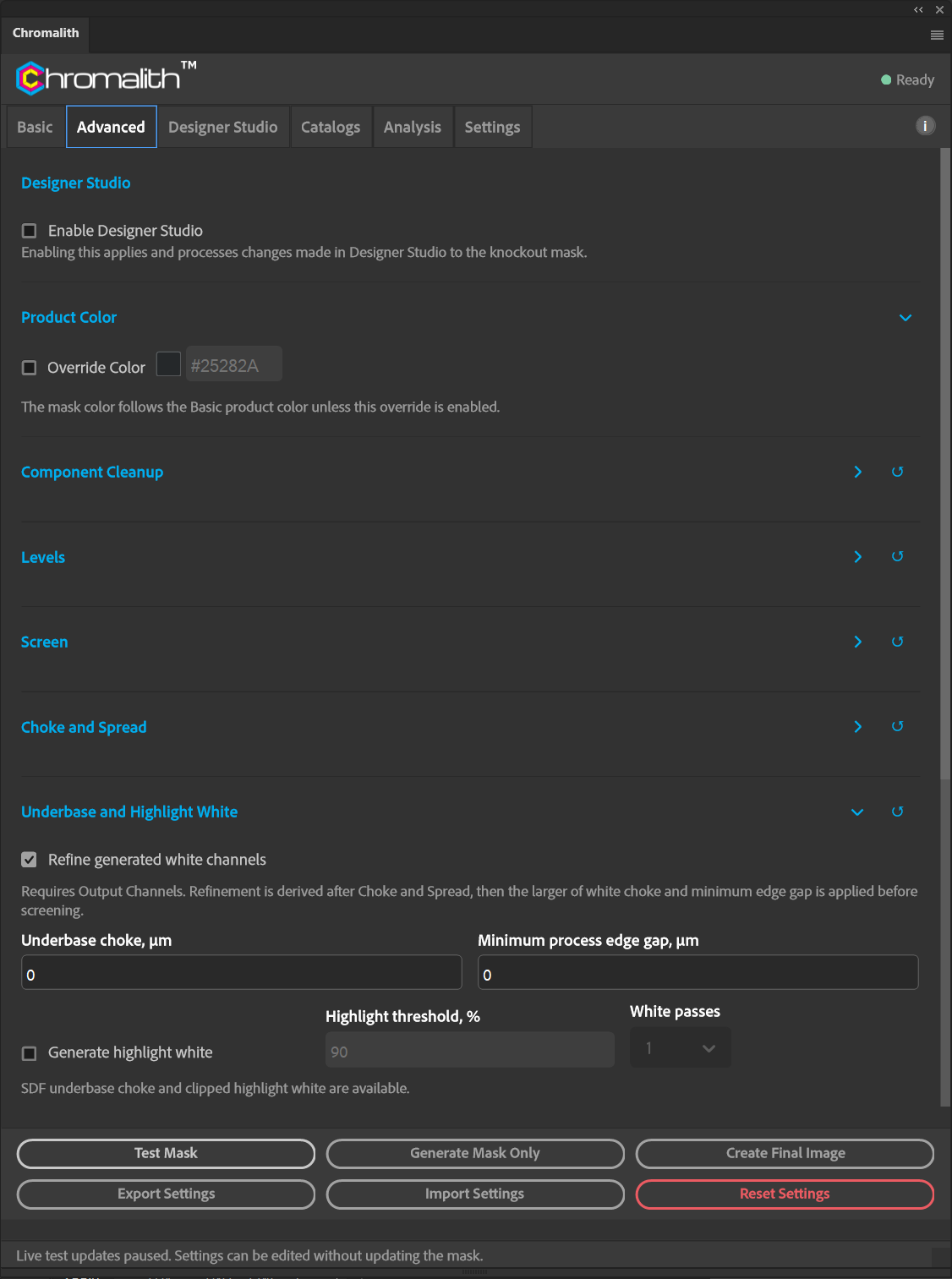
This section needs Output Channels on. The coverage-generated white underbase is registered to the final artwork after Choke and Spread: binary for DTF/DTG, continuous for UV. It is not screened independently of the knockout.
For DTF/DTG, white choke and minimum process edge gap inset from the source artwork's outer silhouette, not from each halftone dot. The larger value applies, rather than adding the two. Beyond that inset, white stays exactly equal to final artwork alpha; the result remains binary. UV keeps continuous white refinement.
Highlight white is binary and clipped inside full white underbase, so it cannot extend beyond the registered white.
| Control | What it does |
|---|---|
| Refine generated white channels | Turns refinement on. |
| Underbase choke, µm | Pulls the white underbase in from the edge of the color. |
| Minimum process edge gap, µm | The smallest distance allowed between white and the process edge. |
| Generate highlight white | Adds a highlight white channel for the brightest areas. |
| Highlight threshold, % | Luminance above which highlight white prints. |
| White passes | 1 to 8, when the active device profile declares multiple white passes. |
The readout shows Effective white choke and Highlight white after Test Mask. With Live Testing on, compare the refined white layers at full resolution.