
Docs / Advanced tab
Component Cleanup
Remove the specks and holes that fall off or fill in on film.
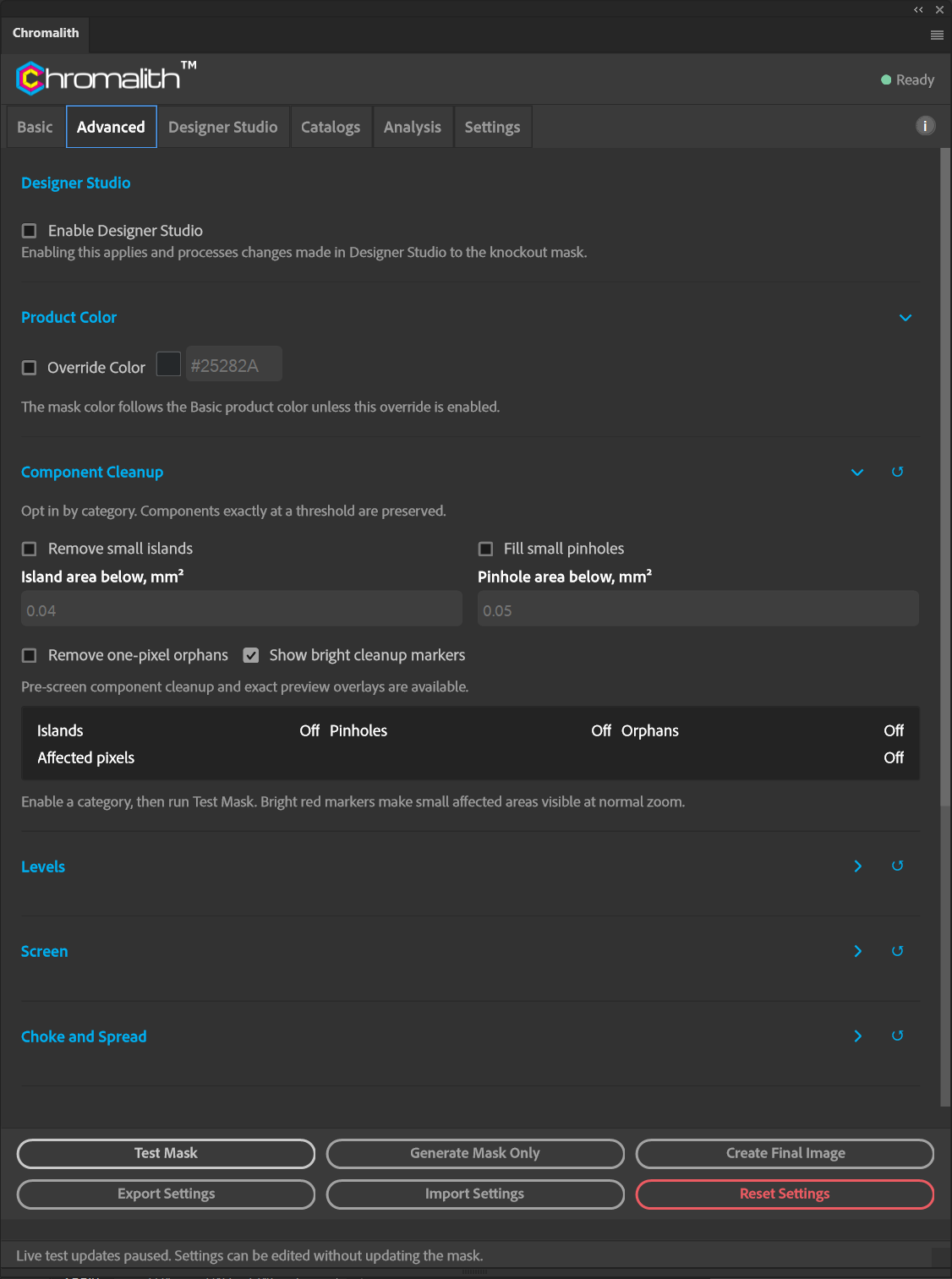
Cleanup is opt-in by category. Components exactly at a threshold are preserved.
| Option | What it removes |
|---|---|
| Remove small islands | Isolated ink areas smaller than Island area below, mm² (default 0.04). |
| Fill small pinholes | Holes smaller than Pinhole area below, mm² (default 0.05). |
| Remove one-pixel orphans | Single stray pixels. |
| Show bright cleanup markers | Red markers make sparse changes visible in the preview; yellow centers mark the exact pixels changed. |
The summary reports how many islands, pinholes, orphans, and pixels were affected after each Test Mask.