Docs / Designer Studio
Shapes
Clip the print to one of 4,808 shapes in 103 categories, or a geometric primitive you size yourself.
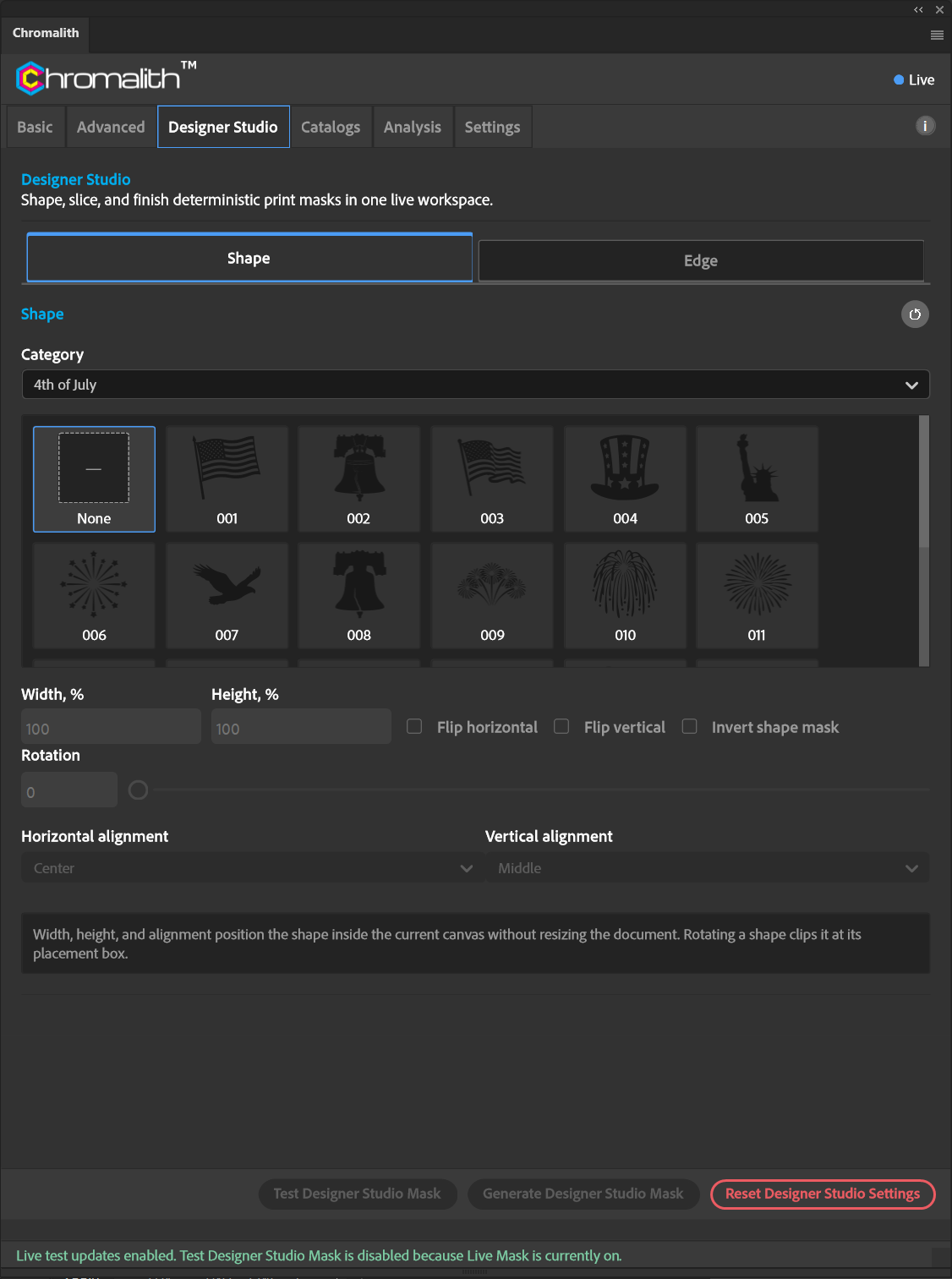
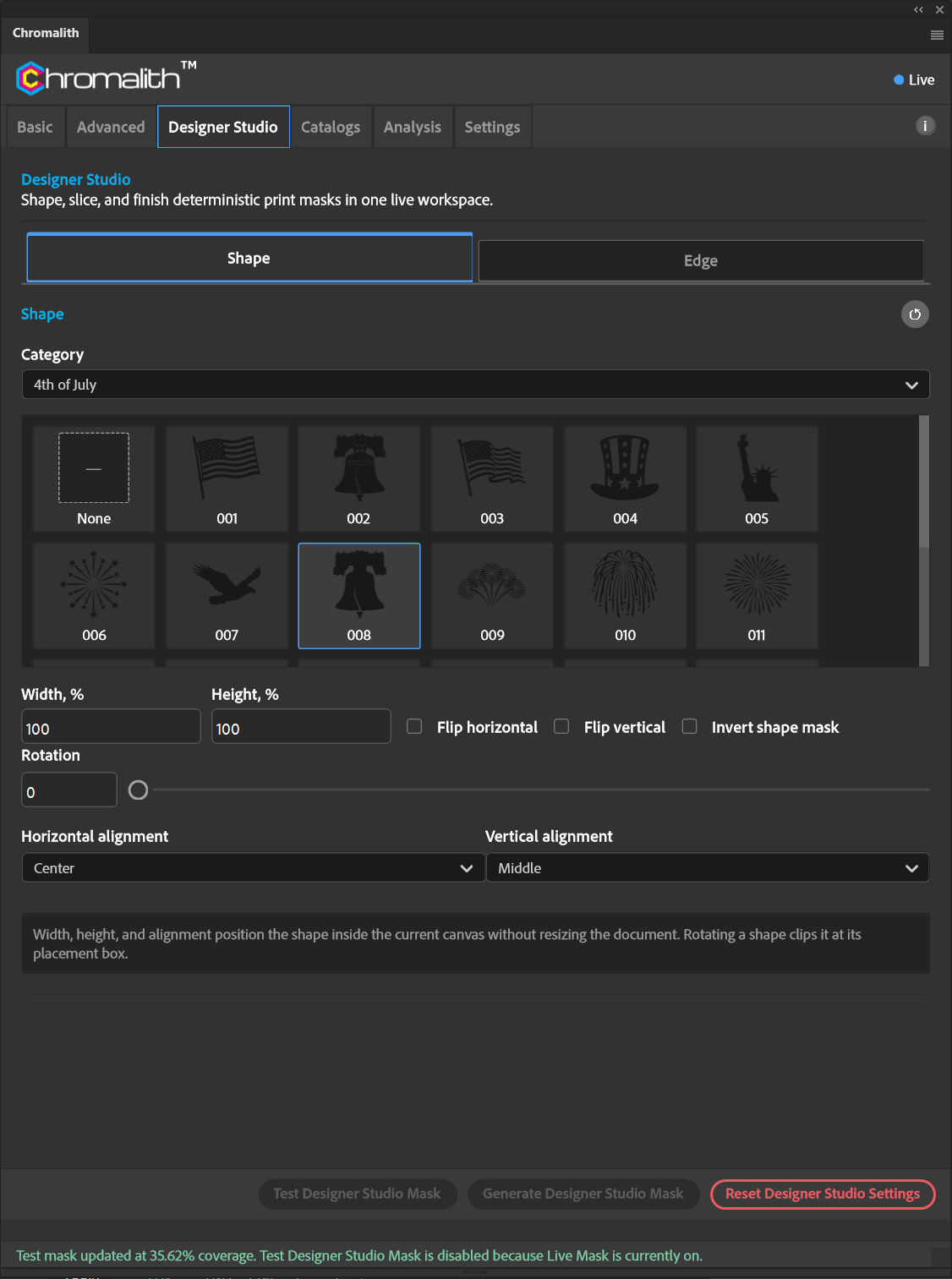
Pick a shape
Choose a Category, then a shape in the grid. None removes the shape. Categories include badges, sports from baseball to wrestling, wildlife and mounts, dogs and cats by breed, holidays, western, fishing, flowers, mountains, music, skulls, and geometric shapes.
Shape options
| Control | What it does |
|---|---|
| Width, % / Height, % | Size of the shape's placement box relative to the canvas. |
| Flip horizontal / Flip vertical | Mirror the shape. |
| Invert shape mask | Keep the art outside the shape instead of inside it. |
| Rotation | Rotate the shape. Rotation clips the shape at its placement box. |
| Horizontal / Vertical alignment | Left, center, or right; top, middle, or bottom. |
| Polygon sides / Star points | For the polygon and star primitives. |
Width, height, and alignment position the shape inside the current canvas without resizing the document.