
Docs / Advanced tab
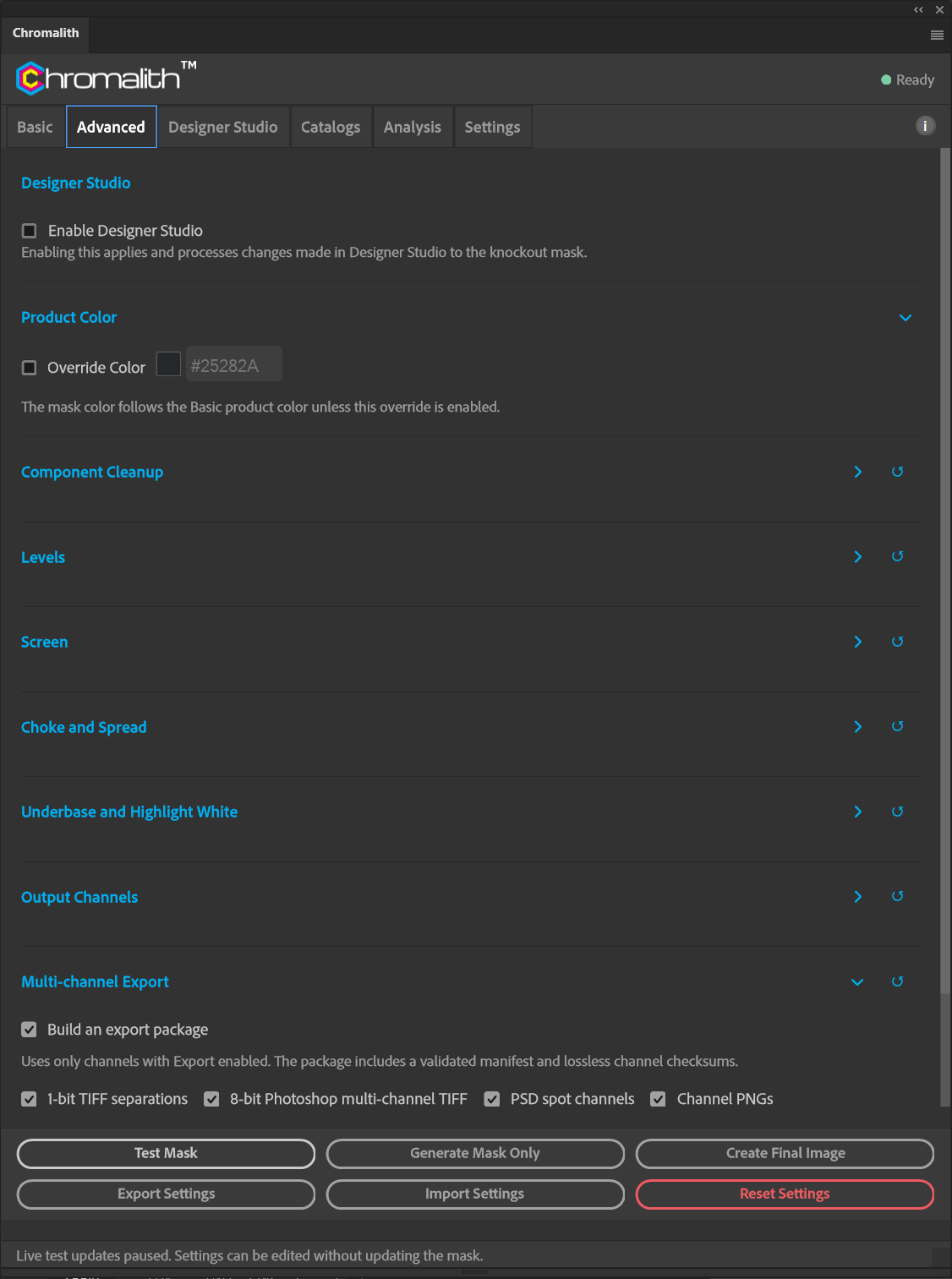
Product Color override
Use a garment color that isn't in any catalog, for this job only.
Turn on Override Color and pick a color or enter a six-digit hex value. The mask then uses that color instead of the Basic tab's product color. Turn it off to go back to the catalog color.
If you print on the same off-catalog color often, add it to a custom catalog instead so it's there for every job.